Although the Slope of Hope was designed for desktop users, most Slopers access the site on their phones and tablets. The best way to do this is via our own SocialTrade app, developed from the ground up to optimize the Slope experience. This free app is available for both iOS and Android users, and it includes all the blog posts, the comments, SlopeCharts, sortable quotes for your watch lists, and many other features. It’s a fun, simple, and convenient way to enjoy the Slope community no matter where you are or what you’re doing. If you don’t have an account already, you can create it in just a couple of moments, and if you do have an account on Slope, you can use the same credentials to access all your pre-existing content and settings.

If you already have an account with Slope, just enter your username (or email) and password, and you’ll be logged in with all the watch lists and other customizations you already enjoy on the regular Slope website. If you don’t have an account yet, tap on Create Free Account.
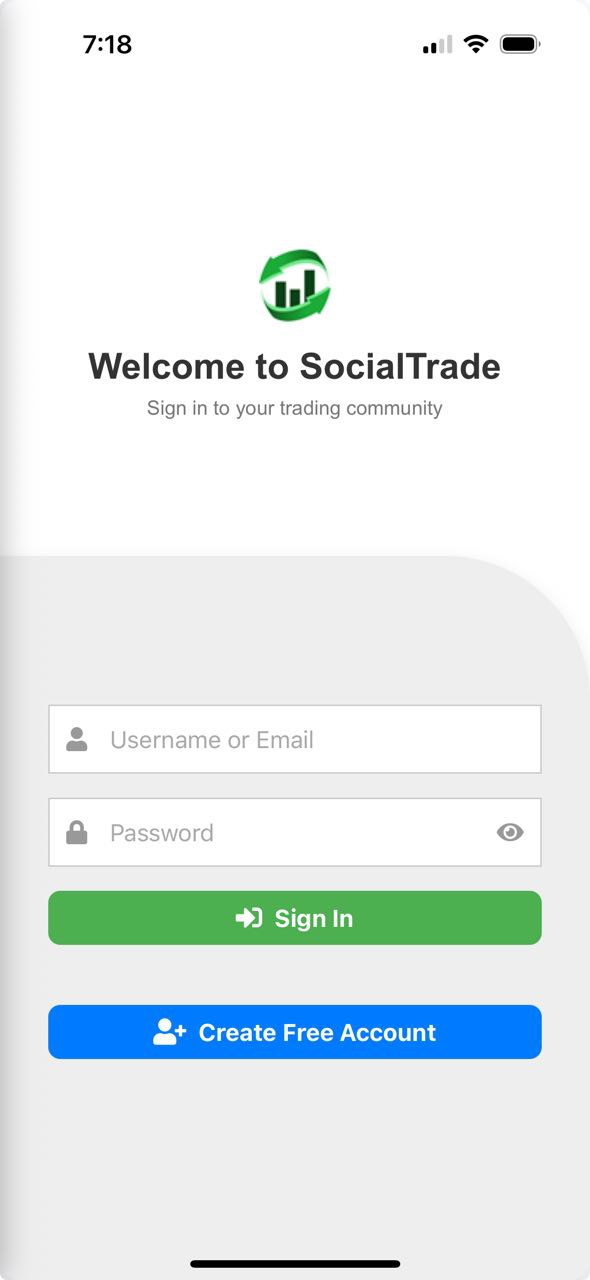
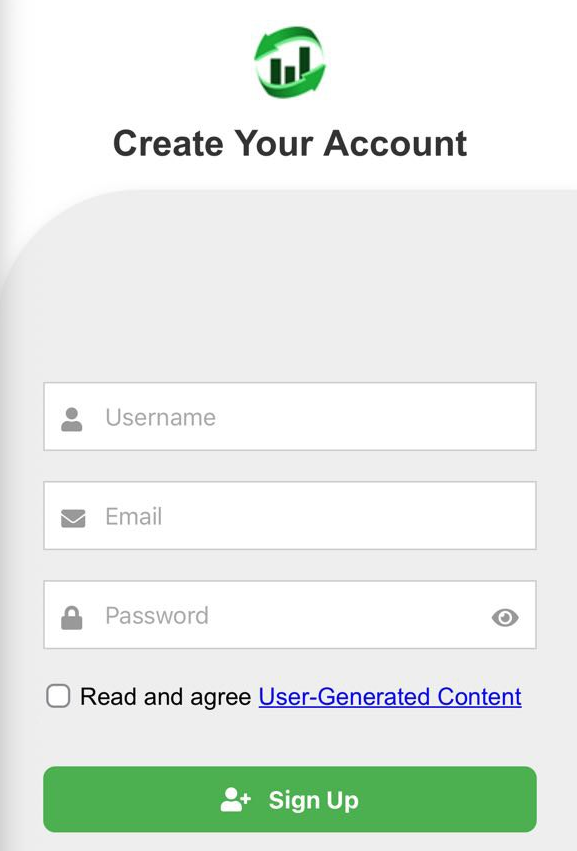
Once there, all you need to enter is the screen name you want to use (which can’t be changed, so pick one you like!), your email, and your password. Please note that Slope has never sold its customer email addresses. We simply need this to authenticate you.
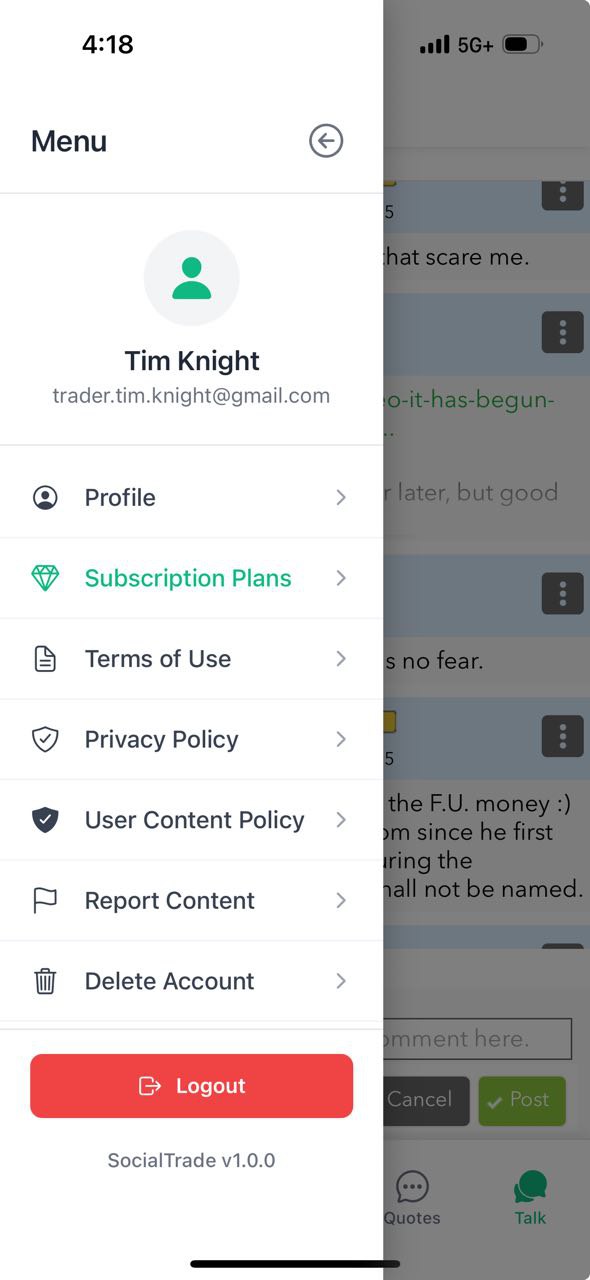
In the app, you can tap the “hamburger” menu at any time by tapping the icon in the upper-left corner. This menu provides you access to a variety of information and functions, including the ability to change Subscription Plans.
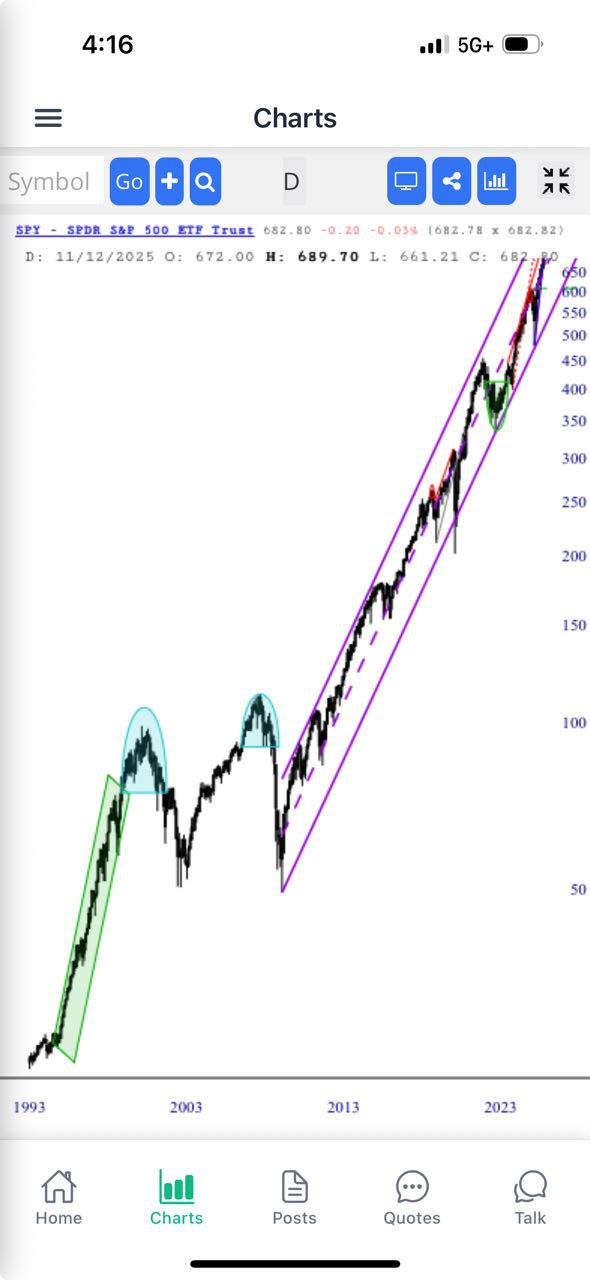
The full power of SlopeCharts is built into the app, and as long as you are logged into the site, all of your watch lists, drawn objects, and other customizations will be ready for you to use.

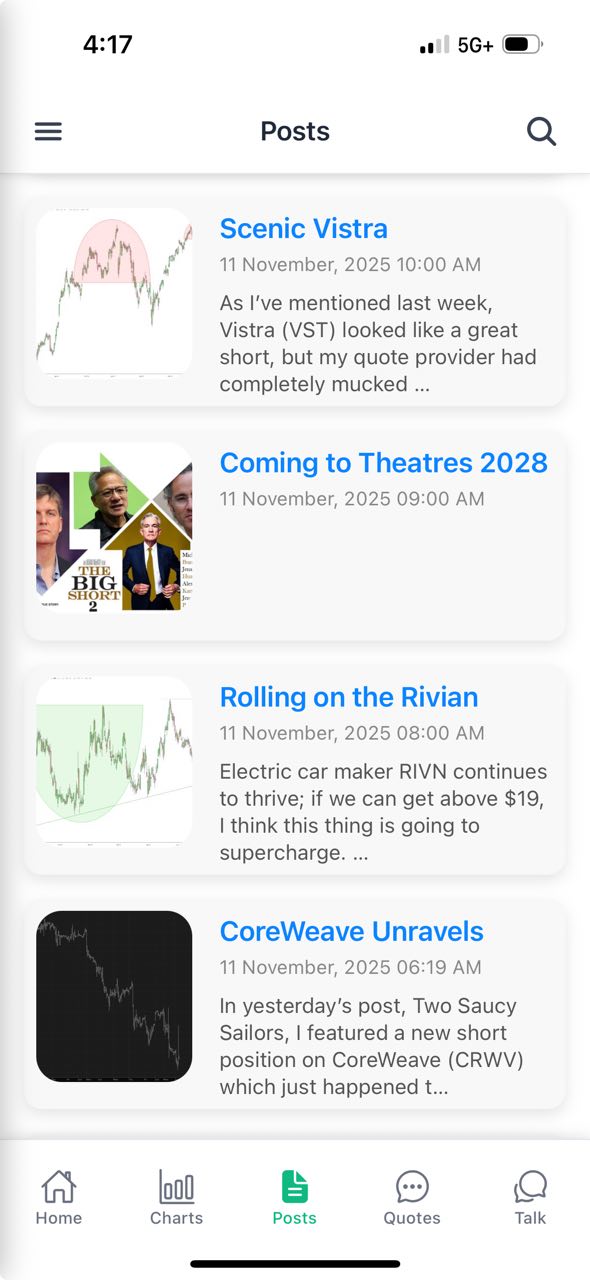
There are tens of thousands of posts on the Slope of Hope, full of trading ideas and information, and you can access any of them on-the-go with your SocialTrade app. You can scroll up and down through the entire history of posts, tapping on any individual one you’d like to read. Although you can participate in live discussion via the SlopeTalk portion of the app, you can also jump directly into the comments for a specific post by scrolling to its bottom.

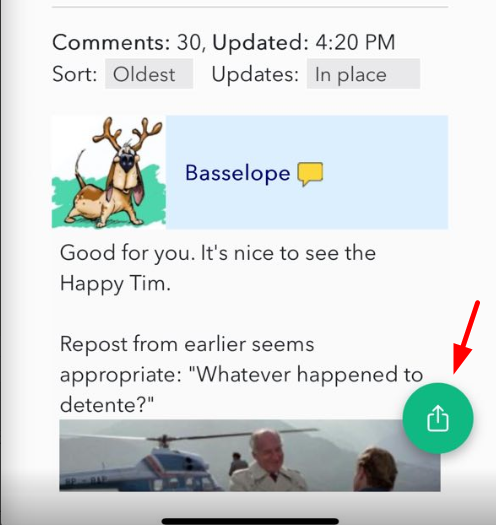
If you would like to share a post with someone, tap the Share icon found in the lower-right portion of your screen.

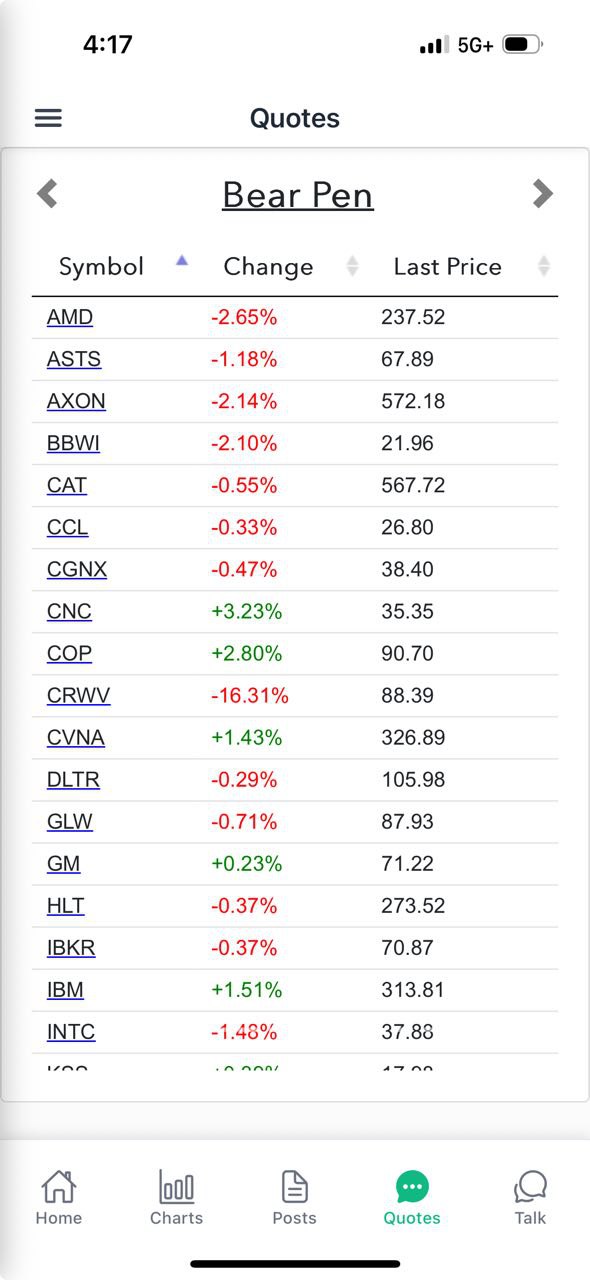
One of the handiest things about the SocialTrade app is that you can get fresh quotes on any of your watch lists by tapping on the Quotes button. Once there, you can tap the left or right arrows flanking the name of your watch list to move from list to list. You can also tap any of the columns (Symbol, Change, Last Price) to instantly sort based on that column. Tapping to sort will “toggle” the sort direction so that, for example, you can swiftly see which symbols moved up or down most in price in either percentage or absolute dollar terms. You can also tap on a specific symbol to get whisked away to the Charts portion of the app so see the chart for that particular security.

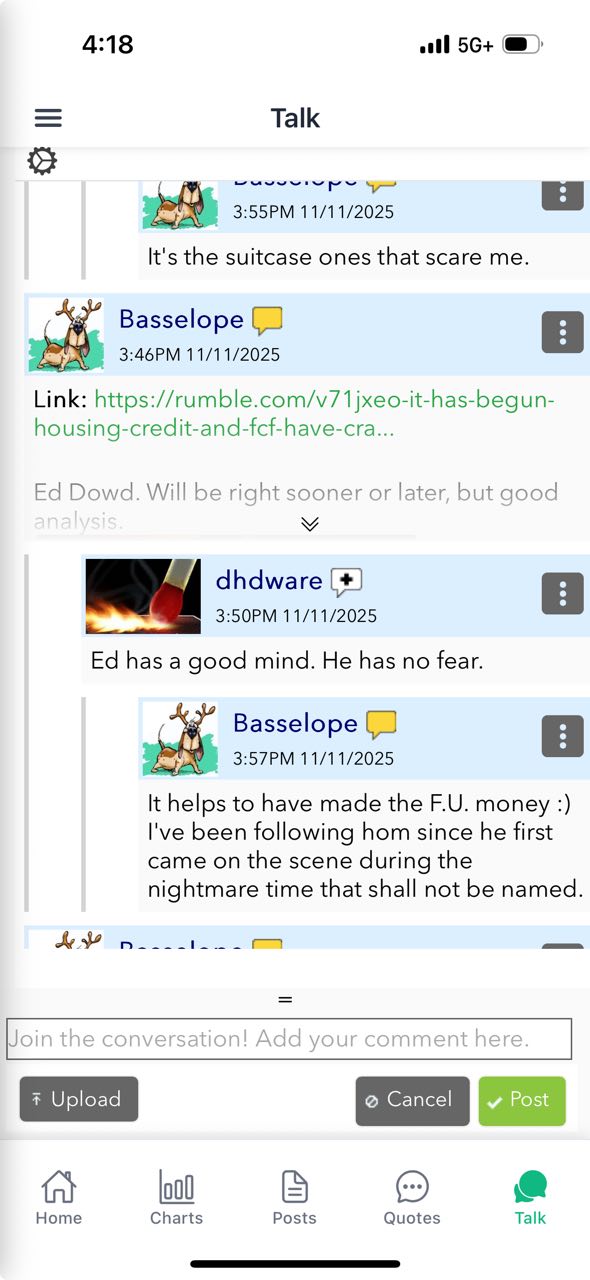
The discussion platform SlopeTalk is a fun, modern way to chat with fellow traders in real time, and it’s built right in to the SocialTrade app. You can learn all about SlopeTalk here, but feel free to just dive in and start typing, since its features are very intuitive.

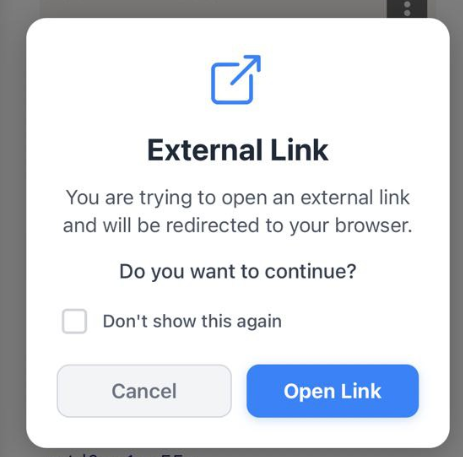
Slopers like to share ideas, charts, and links to interesting articles. If you tap on a link, the app will give you the notification below to make sure you want to read it in a browser. You can check Don’t show this again if you don’t want to be bothered in the future by a similar message.

The app, once again, is free of charge, and once you log in to the app with your username and password, it will provide you the same access to your watch lists and all your settings that are already established on the regular website. (If you don’t have an account yet, no problem; you can set one up instantly inside the app).
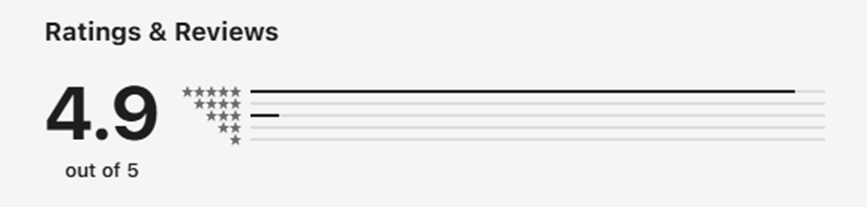
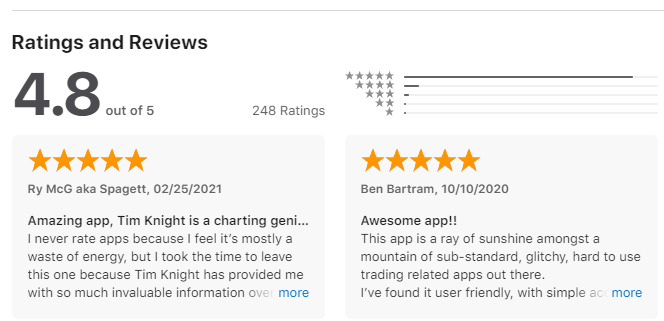
Download the iPhone/iPad version from the App Store by clicking here (a summary of the reviews from the App Store are below). We look forward to seeing you online!


The app, once again, is free of charge, and once you log in to the app with your username and password, it will provide you the same access to your watch lists and all your settings that are already established on the regular website. (If you don’t have an account yet, no problem; you can set one up instantly inside the app).
Download the Android app now by clicking this link to get it from Google Play (a summary of the reviews from the Google Play store are below). We look forward to seeing you online!