Slope of Hope Blog Posts

Slope initially began as a blog, so this is where most of the website’s content resides. Here we have tens of thousands of posts dating back over a decade. These are listed in reverse chronological order. Click on any category icon below to see posts tagged with that particular subject, or click on a word in the category cloud on the right side of the screen for more specific choices.

Neatnik

By -

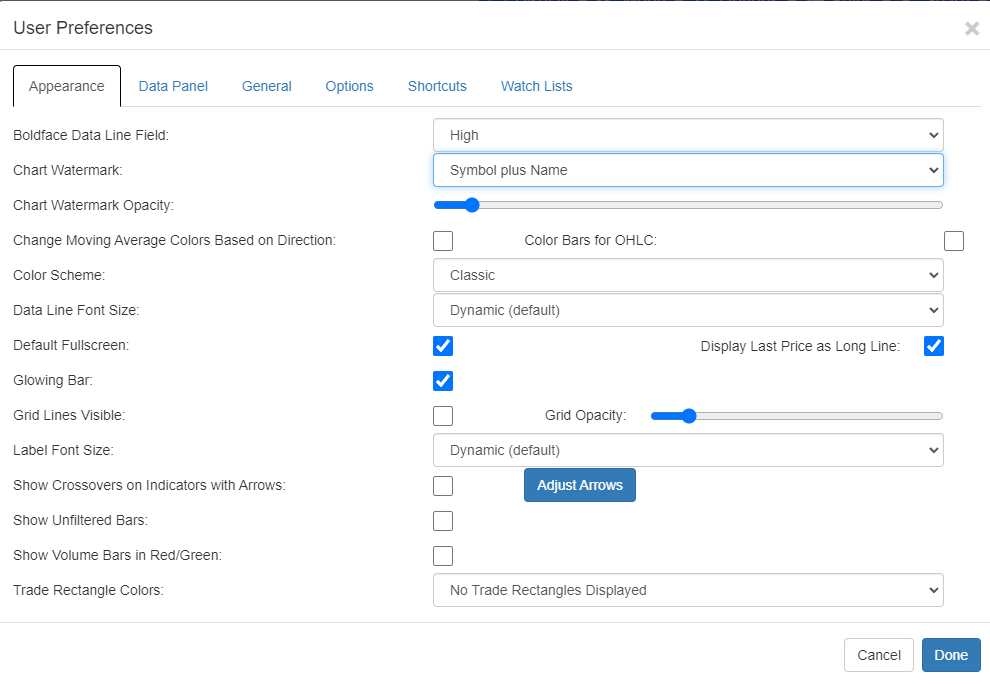
I’m a neatness and order freak, which runs through Slope’s DNA extensively (and explains why I got nauseous at the idea of re-introducing ads, but instead reverted to pleading for donations). I mention this because the Preferences dialog box for SlopeCharts was becoming a complete mess, what with all the new features and choices. We have completely tidied this up for you, and I’m sure my fellow OCD sickos will appreciate it.

Raw and Uncut Bars

By -

I am pleased to let you know of an important new improvement to SlopeCharts, which may sound paradoxical: the ability to show raw price bars.

Let me start with a simple fact: financial data is dirty. I’ve been in this business for many decades, and from the time I started in the late 1980s until the very day, financial data has had errors galore. It only takes 0.01% inaccuracy to screw up a chart.

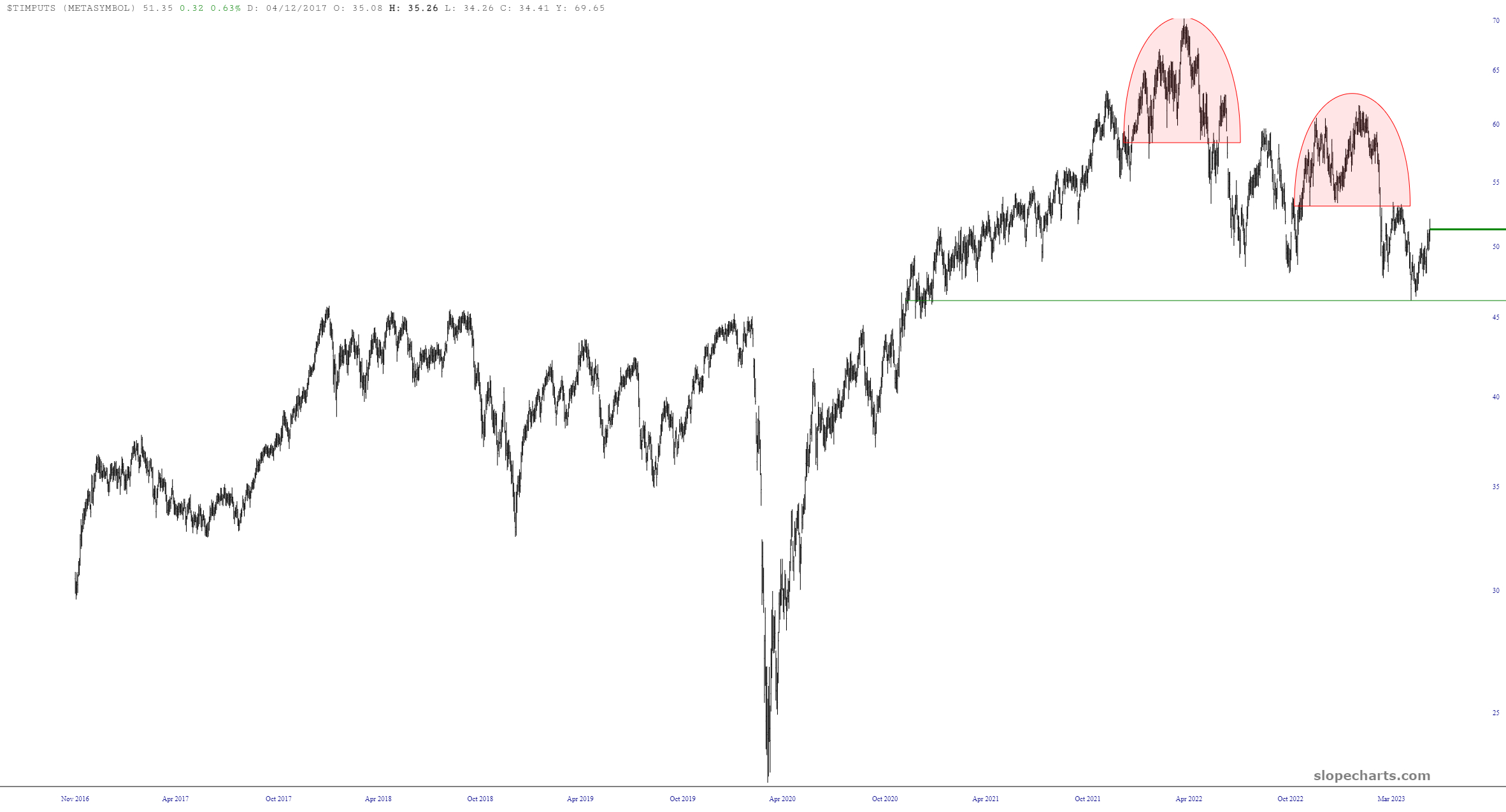
Because of this, every since the earliest days of SlopeCharts, the program will take price bars that it considers impossible and severely truncate them, since the assumption is that the price data being presented simply isn’t real. Thus, you wind up with a chart that looks like this:

(more…)

Introducing Personal Symbols

By -

SlopeCharts has another cool new feature which will be especially useful for paying subscribers: the ability to create a shorthand way to reference even very complex symbols. Not only is this useful as a time-saver (and memory saver, since no one can remember some of these crazy formulae) but it makes working with Layered Charts possible in ways that couldn’t be done before.

Here’s how the feature works: if you have a customized symbol created, right-click on it within its watch list and choose the menu item Add Personal Symbol.

(more…)