

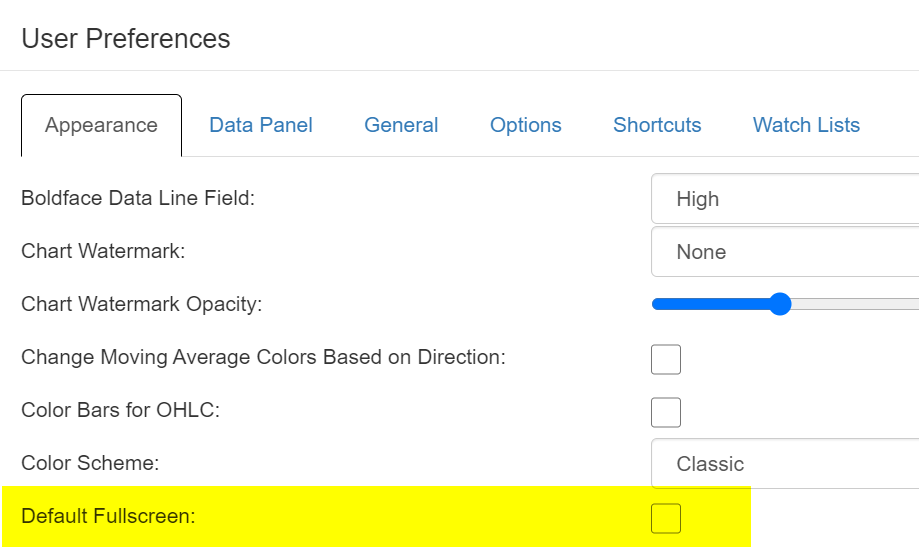
Whenever I use SlopeCharts, I always use the Full Screen mode. We have now added a new item to Preferences so that you don’t have to bother choosing the full screen each time. Instead, it’ll simply show up that way the moment you load the program.

Slope initially began as a blog, so this is where most of the website’s content resides. Here we have tens of thousands of posts dating back over a decade. These are listed in reverse chronological order. Click on any category icon below to see posts tagged with that particular subject, or click on a word in the category cloud on the right side of the screen for more specific choices.
Whenever I use SlopeCharts, I always use the Full Screen mode. We have now added a new item to Preferences so that you don’t have to bother choosing the full screen each time. Instead, it’ll simply show up that way the moment you load the program.
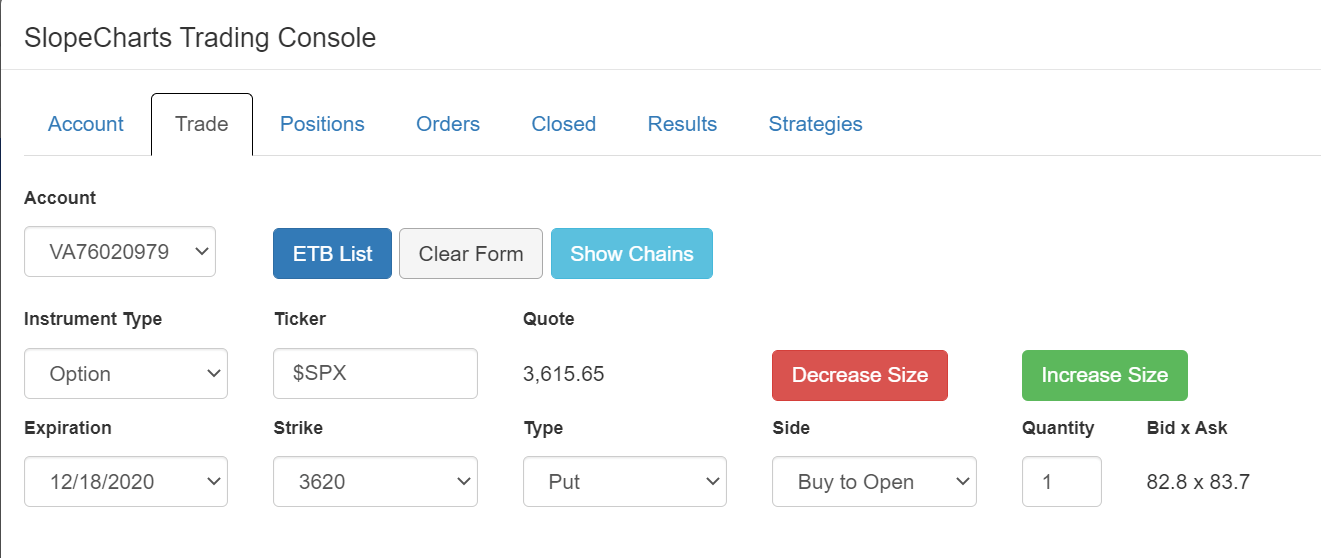
I am very pleased to let you know that we now support index options in Virtual Trading. Specifically, the symbols $SPX, $NDX, $OEX, $VIX, and $RUT. Here, for instance, is an S&P index option trade I entered:
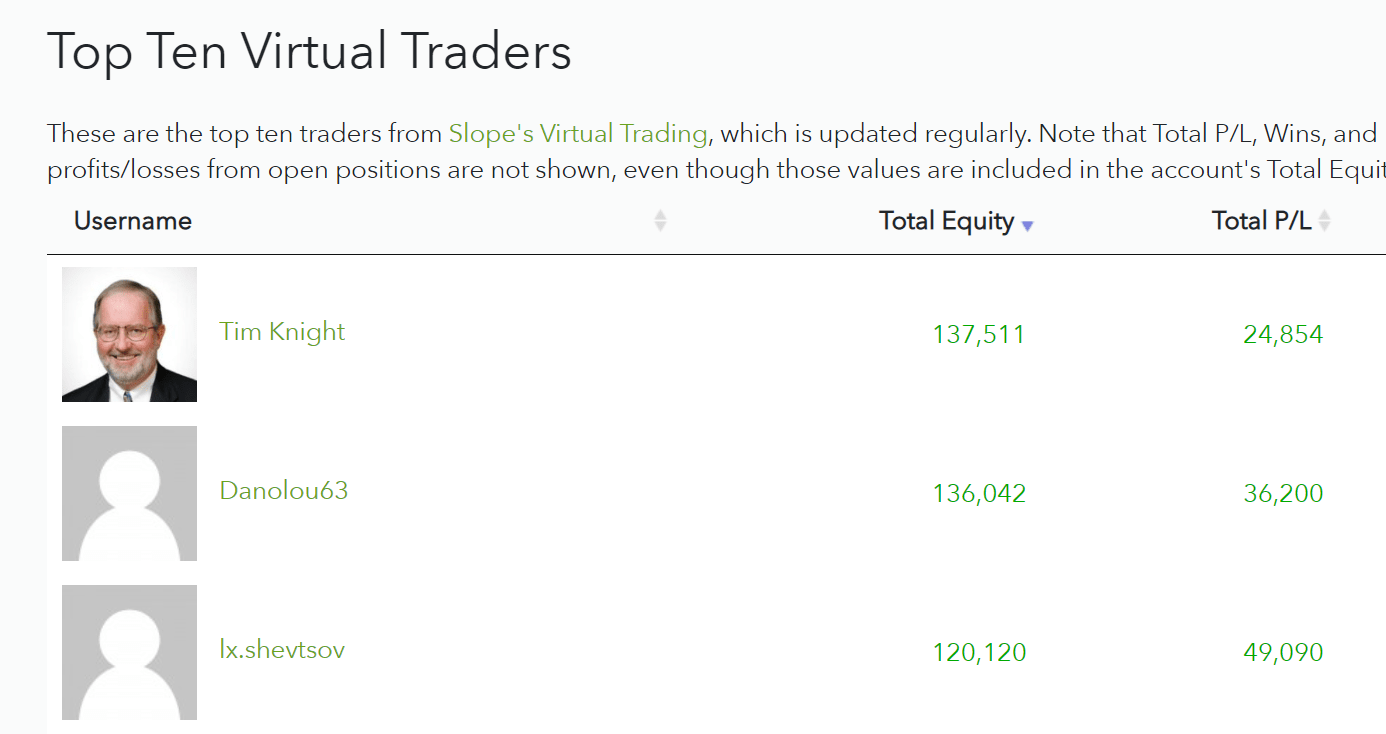
I wanted to call this out, because it surely won’t last – – but we’ve beefed up our Top Ten Traders page (based on the virtual trading system) and a certain someone finally crawled his way to the top spot. There are more improvements coming to this page – – notably, the ability to see what positions each person had in the past and has currently – – and I’m excited to see this taking hold.
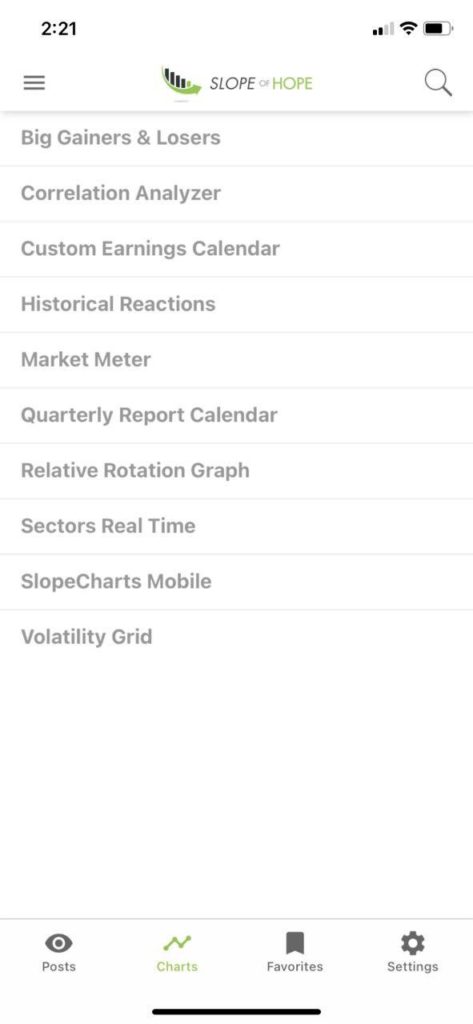
The Slope of Hope mobile app (available free of charge for both Android and iPhone/iPad here) has become very popular are has received terrific reviews (a perfect 5.0 on Android and 4.9 in the Apple store). We’re going to be adding more features to this app, which I’ll announce as they tumble out, and today we have added two new pages to the “Charts” section: