Slope of Hope Blog Posts

Slope initially began as a blog, so this is where most of the website’s content resides. Here we have tens of thousands of posts dating back over a decade. These are listed in reverse chronological order. Click on any category icon below to see posts tagged with that particular subject, or click on a word in the category cloud on the right side of the screen for more specific choices.

Introducing Transformer

By -

OK, folks, another Tim thought of this when he was swimming” feature, and I think you’re going to love it. I’ve never seen anything like it anywhere else, and for now everyone can access it (in a little while, it’ll just be premium members). It’s called the Transformer feature.

The Transformer in SlopeCharts is a unique way to apply a formula to every single symbol you enter. This can be a tremendous time-saver if you want to have a customized perspective into any symbols you enter, particularly those within a watch list, since it is vastly more efficient to have the formula automatically applied as opposed to altering every symbol you want to see.

A very simple example would be if you wanted to view a series of assets proportionate to the Federal Reserve’s M2 money supply. In other words, you want to see every symbol divided by the M2 value. This new perspective might lead you to some important new insights.

(more…)

Sine Here, Please

By -

The pace of new features is getting a bit silly. But, thanks to the marvelous support of all our beloved premium members, we are in a position to develop swiftly. If you aren’t a premium member yet, please join! The latest addition to SlopeCharts is……….sine waves!

The sine wave drawn object in SlopeCharts, similar to the cycle lines, allows you to suggest where sinusoidal patterns exist on a chart. These are admittedly not easy to find, since no market would simply bob up and down in a steady, never-ending fashion (if it did, everyone could make a fortune with no risk). However, cycles do exist, in crude form, and the sine wave tool can be a helpful way to unveil them.

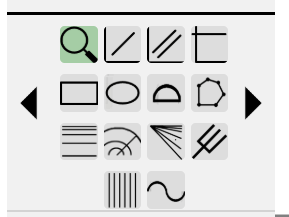
To use this tool, choose it from the drawn object icons palette:

SineIcon
(more…)