Slope initially began as a blog, so this is where most of the website’s content resides. Here we have tens of thousands of posts dating back over a decade. These are listed in reverse chronological order. Click on any category icon below to see posts tagged with that particular subject, or click on a word in the category cloud on the right side of the screen for more specific choices.
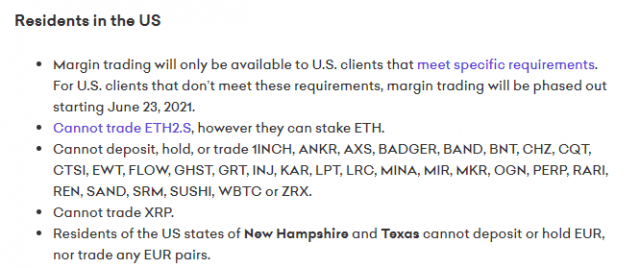
I’ve been having such a grand old time with crypto, I decided to explore to see other coins I could buy. I fired up the good old SlopeCharts labels feature, set it to “Kraken”, and starting looking at charts. I found one I liked, went off to buy it, but I couldn’t. I was quite puzzled. Then I found this page on their site:
One of my favorite features in SlopeCharts is the labeling feature, and I had a challenge yesterday that I quickly solved and wanted to share with you.
The challenge was this: I wanted to buy some alt-coins at the Kraken exchange, but I knew Kraken had added some new coins since the last time I checked, and I wanted to make sure I had a complete, up-to-date label reference in SlopeCharts to identify which coins were available. Now, the monkey-brain was to do this would be to go through all my crypto charts, one by one, and label those that were on the Kraken list, but I’d rather work smart than work hard, so here’s what I did.
Step 1: Get the Raw List
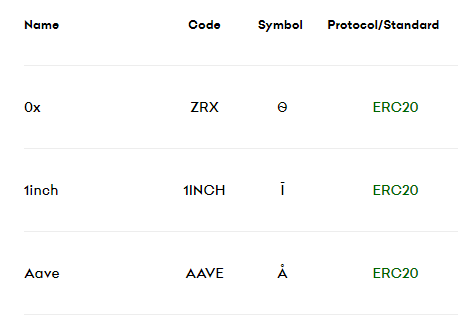
I just googled the term “Kraken coin list” and got to the page where it showed the up-to-date listing of coins covered.
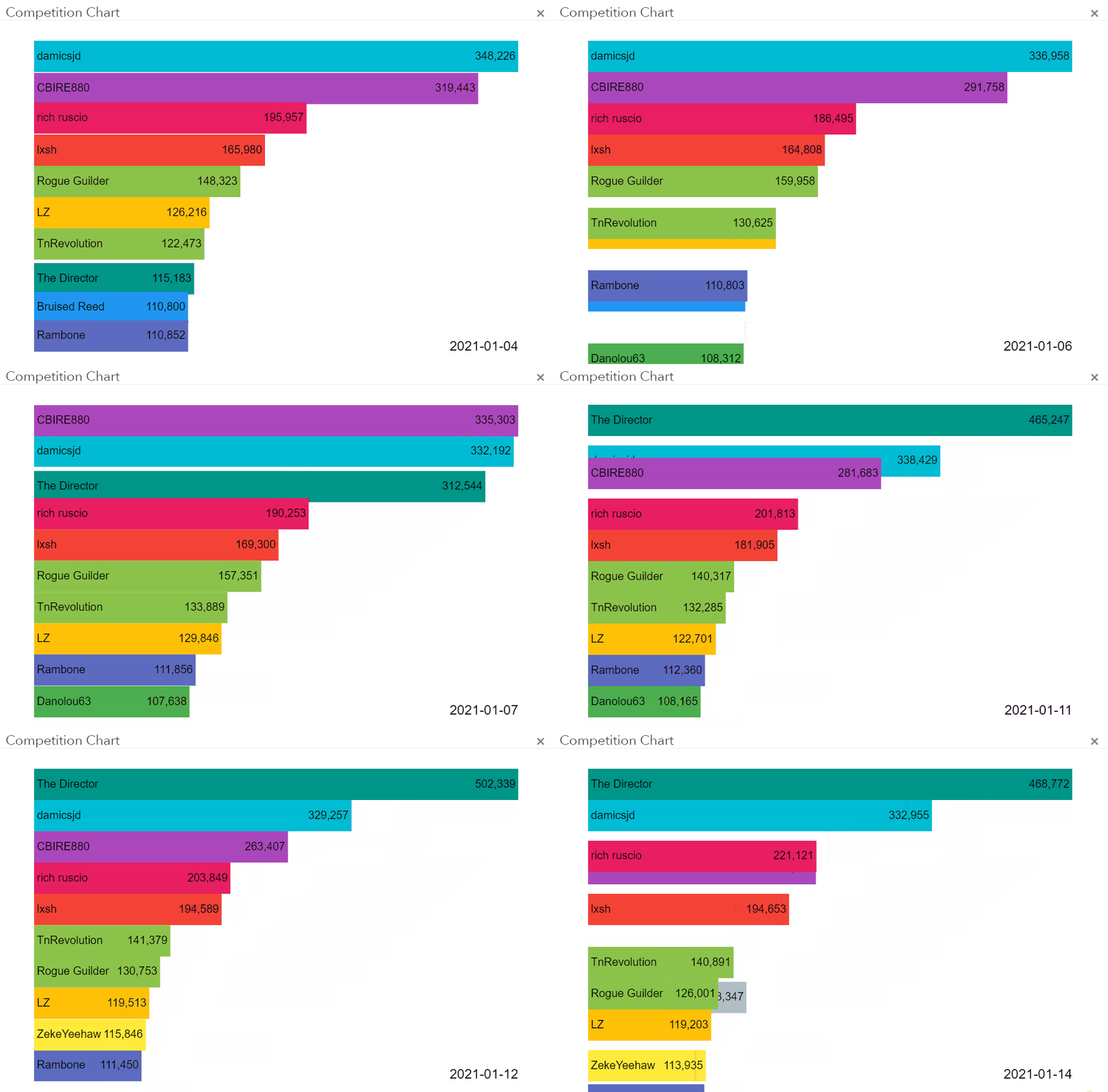
OK, you’re going to love this. We’ve enhanced the Top Ten Virtual Traders page with a mesmerizing animation that shows how, over time (both daily and intraday) the position ranks of various virtual traders changes. Just click the button on the page, and away you go! (I have deliberately excluded myself from this animated page, and no, I’m not going to have myself in there).